
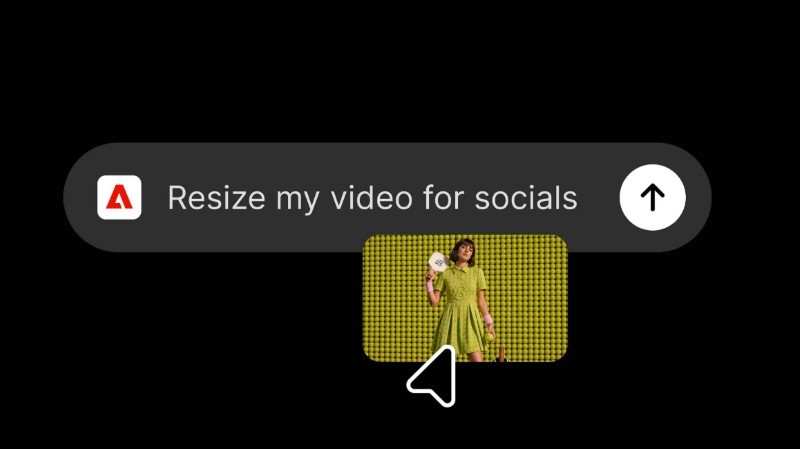
According to Adobe, users can simply activate the Adobe plugin in ChatGPT and describe what they want to create. The plugin then automatically brings together the appropriate Adobe tools to complete the task.
Drawing on more than 70 tools across Adobe’s creative and productivity portfolio, the plugin supports a wide range of workflows, from photo editing and campaign video creation to designing marketing assets and generating polished PDFs—all through interactive experiences within the ChatGPT conversation.
The plugin is designed to adapt to different project requirements. When users need advanced editing capabilities, greater creative control or pixel-level precision, they can continue working in Adobe’s dedicated applications from where they left off.
The unified plugin combines tools from Adobe’s previously released apps for ChatGPT with additional capabilities spanning Adobe Express, Photoshop, Firefly, Premiere, Acrobat, Lightroom, Illustrator, InDesign, Adobe Stock and other products.
"Adobe's category-leading creative and productivity tools help people express their creativity, communicate and be more productive, and we're excited to expand our partnership with Adobe to bring those capabilities into ChatGPT with the Adobe plugin in ChatGPT," said Vibhor Chhabra, product lead for ChatGPT Ecosystem at OpenAI.
The integration is designed to take users from an initial idea to a finished piece of work within a connected ChatGPT experience, while still providing access to Adobe’s dedicated applications for more advanced editing and creative workflows.
How to Get Started With the Adobe Plugin in ChatGPT
Users can access the Adobe plugin by opening ChatGPT and navigating to the Plugins section before adding Adobe.
After starting a new chat, users can type “@Adobe” and select Adobe from the menu, or use the “+” button to choose Adobe from their installed plugins.
Users can continue as a guest or sign in with their Adobe account to access a richer set of features.
Adobe said the plugin is available globally starting today on ChatGPT’s web and app experiences.